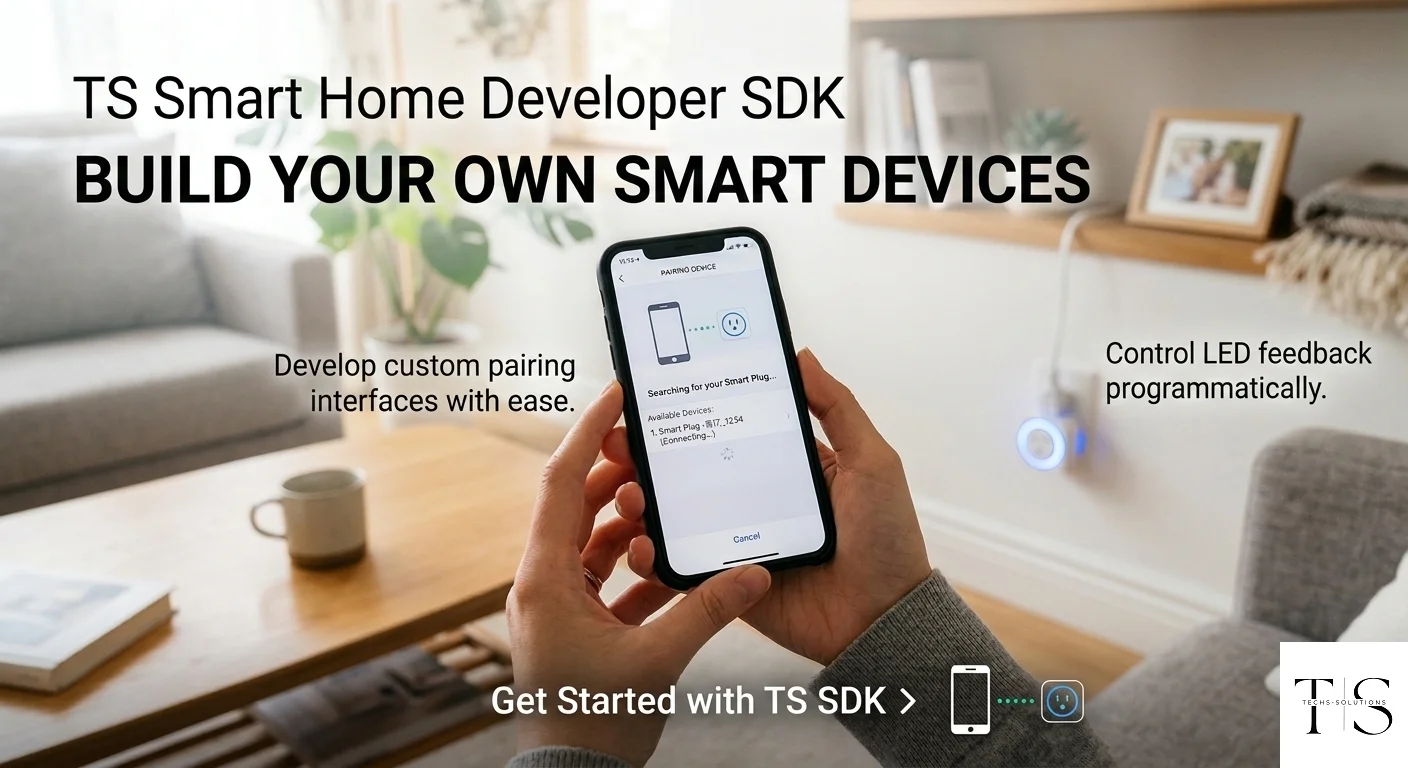
The TS Smart Home Developer SDK gives you everything needed to build, flash, and connect custom ESP32-based devices to the TS Smart Home cloud platform.
What the SDK Includes
The TS Smart Home SDK is a complete hardware and software development kit centered around the ESP32 microcontroller. It includes firmware libraries for Wi-Fi provisioning, cloud authentication, device state management, and real-time command handling. The SDK is available on GitHub under the repository HossamScott/ts_smart_home_hardware.
- Cloud API access: Your device connects to the TS Smart Home cloud and becomes controllable from the mobile app
- Wi-Fi provisioning: Guided pairing flow built into the SDK so end users can connect the device from the app
- Real-time commands: Send on/off commands and receive state updates over the cloud
- Energy monitoring: SDK supports reading power consumption data and reporting it to the dashboard
- Secure authentication: Device tokens issued from the developer dashboard ensure only authorized devices connect
- Developer dashboard: Register at
techs-solutions.com/developerto get API credentials and manage your devices
The SDK is designed for makers, engineers, and product teams who want to build custom smart hardware that integrates seamlessly with the TS Smart Home ecosystem and mobile app.
Getting Started as a Developer
Register a developer account at the TS Smart Home developer portal. Once approved, add your SDK token to config.h:
#define SDK_DEVELOPER_TOKEN "paste-your-token-here"Then configure your relay pin and device power rating:
// Which GPIO is your relay on?
#define RELAY_PIN_1       4       // Change to your relay GPIO

// Does HIGH = ON for your relay?
#define RELAY_ACTIVE_HIGH true    // false for active-low relays

// What device is plugged in?
#define RATED_WATTS_1     60.0   // e.g. 60W lamp, 1200W kettle
#define RATED_VOLTAGE_1   220.0  // 220V (Egypt/EU) or 110V (US)
#define RATED_FREQUENCY_1  50.0  // 50Hz (Egypt/EU) or 60Hz (US)
#define RATED_PF_1          1.0  // 1.0 for resistive (lamps, heaters)
Flash the example firmware onto your ESP32 and your custom device will appear in the TS Smart Home app just like any official device. No backend to build — the cloud and app are provided.
Use Cases
The SDK is ideal for building custom smart plugs, switches, sensor hubs, or any IoT device you want to control remotely. Product teams can use it to launch branded smart home hardware that plugs into an existing cloud infrastructure. The SDK supports up to 4 relays per device for multi-gang smart plugs:
plug.addRelay(RELAY_PIN_1, RELAY_ACTIVE_HIGH, { RATED_WATTS_1, RATED_VOLTAGE_1, RATED_FREQUENCY_1, RATED_PF_1 });
plug.addRelay(RELAY_PIN_2, RELAY_ACTIVE_HIGH, { RATED_WATTS_2, RATED_VOLTAGE_2, RATED_FREQUENCY_2, RATED_PF_2 });
Start Building with the SDK
Register as a developer and get access to API credentials, firmware examples, and documentation.
Developer Portal